
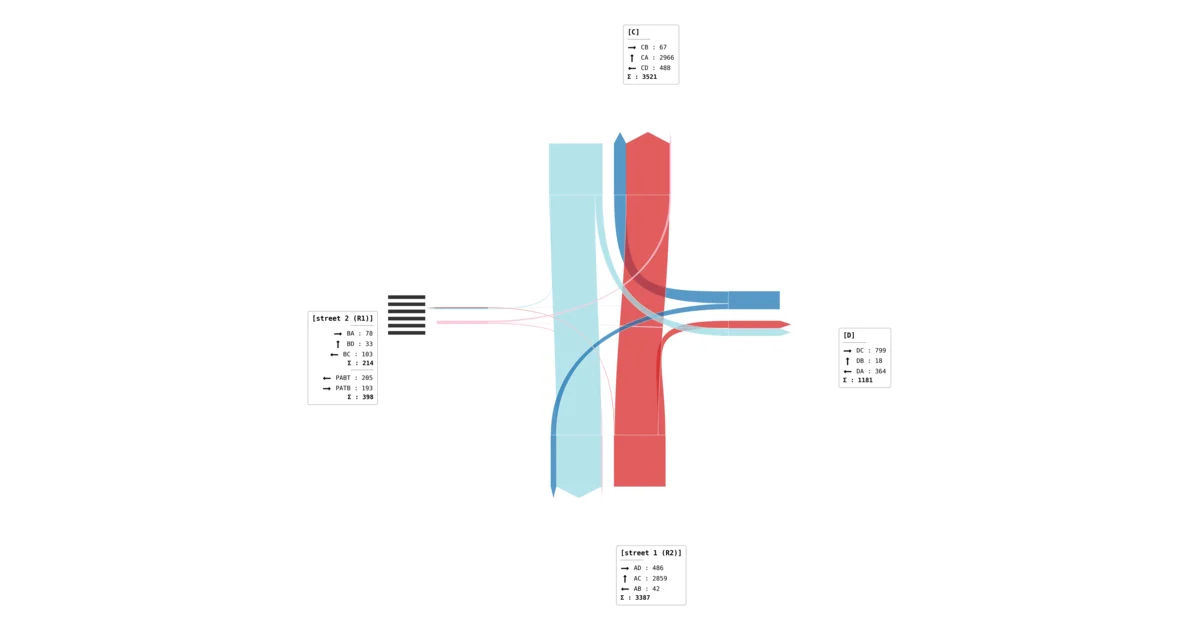
Crossroads
Traffic intensity and relationship report
Daily profiles, generic structure, relationship tables and choropleth maps for peak hours.
Download a sample PDF reportInstall the Windows application and start working with traffic measurement.
Previous stable version: AITracker 2.9.51
AITracker software requires a computer with the Windows 10 or Windows 11 operating system and Internet access. It is distributed as an .exe file installer under the MIT license. The software does not contain hidden payments and is free. Only the cloud computing service is paid, where the cost of service depends on the price list and the number of video hours. Program support and documentation.
Your data is stored in accordance with our privacy policy.
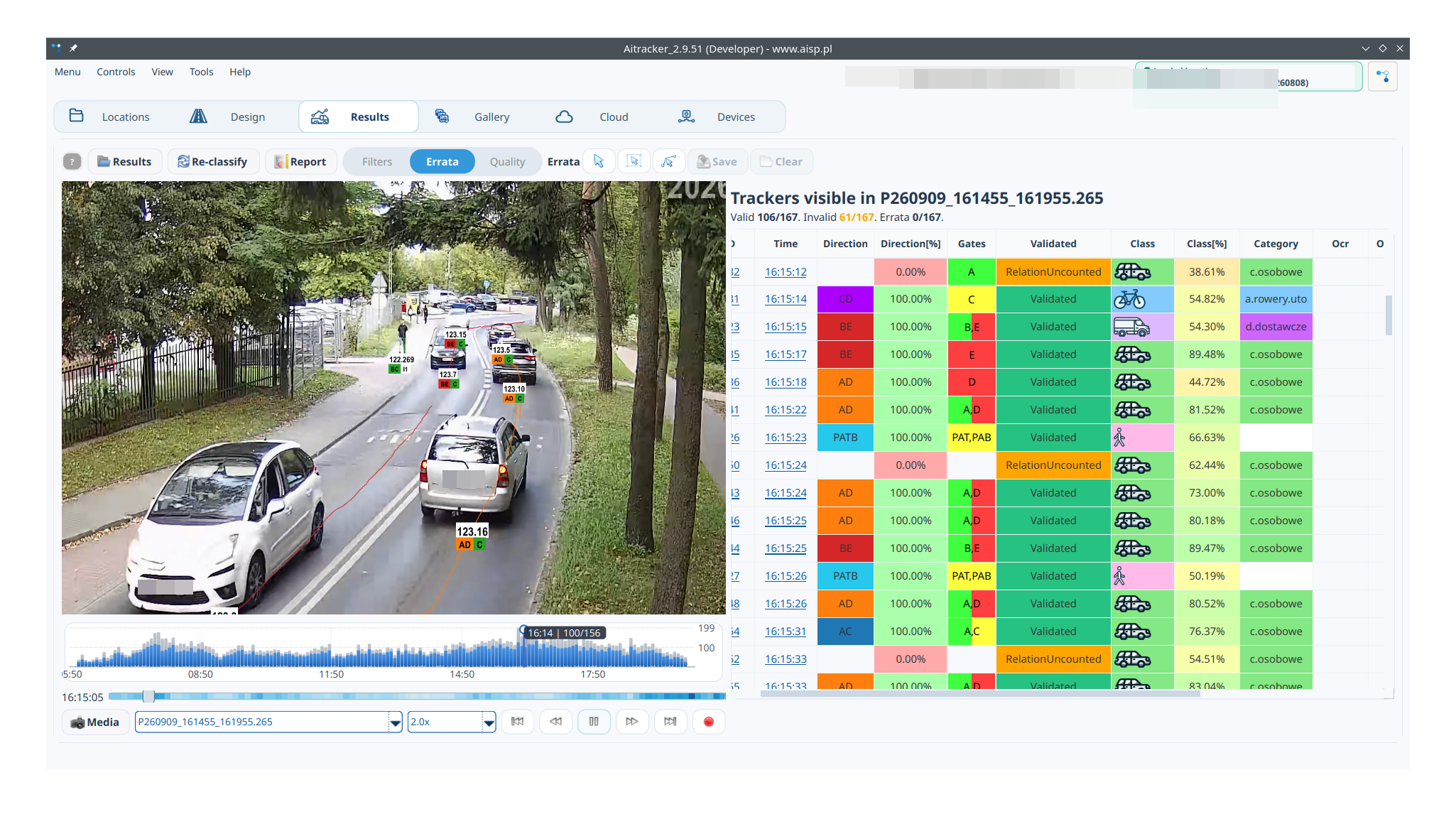
An interface designed with you in mind. Results sheets, live video preview, measurement design or report creation. AITracker is your gateway to the AISP cloud!
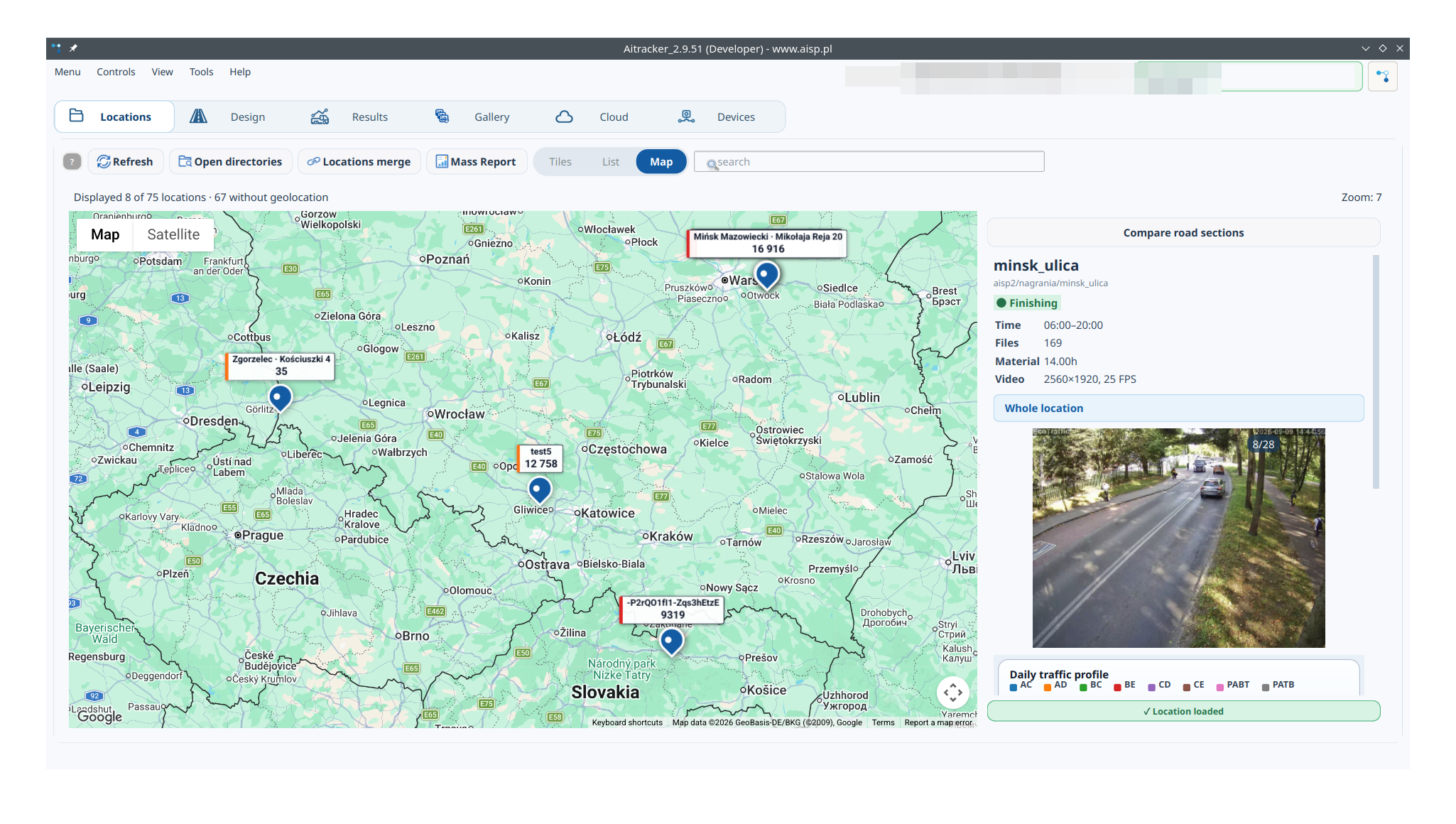
AITracker GUI is a free tool for working with traffic measurement. The new location view combines a point map, recording preview, daily profile and basic results.
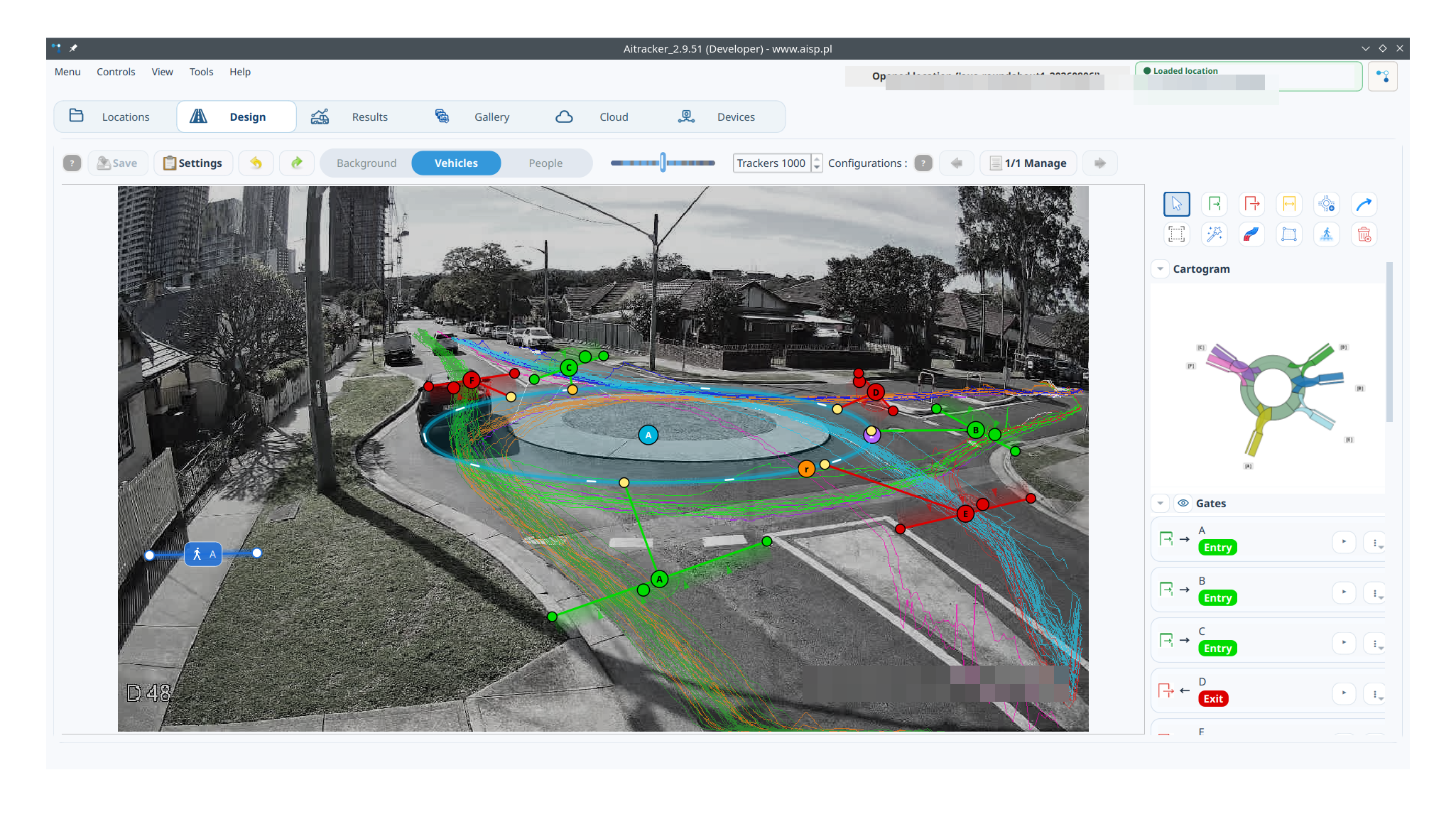
The editor allows you to prepare gates and relations for complex measurement points.
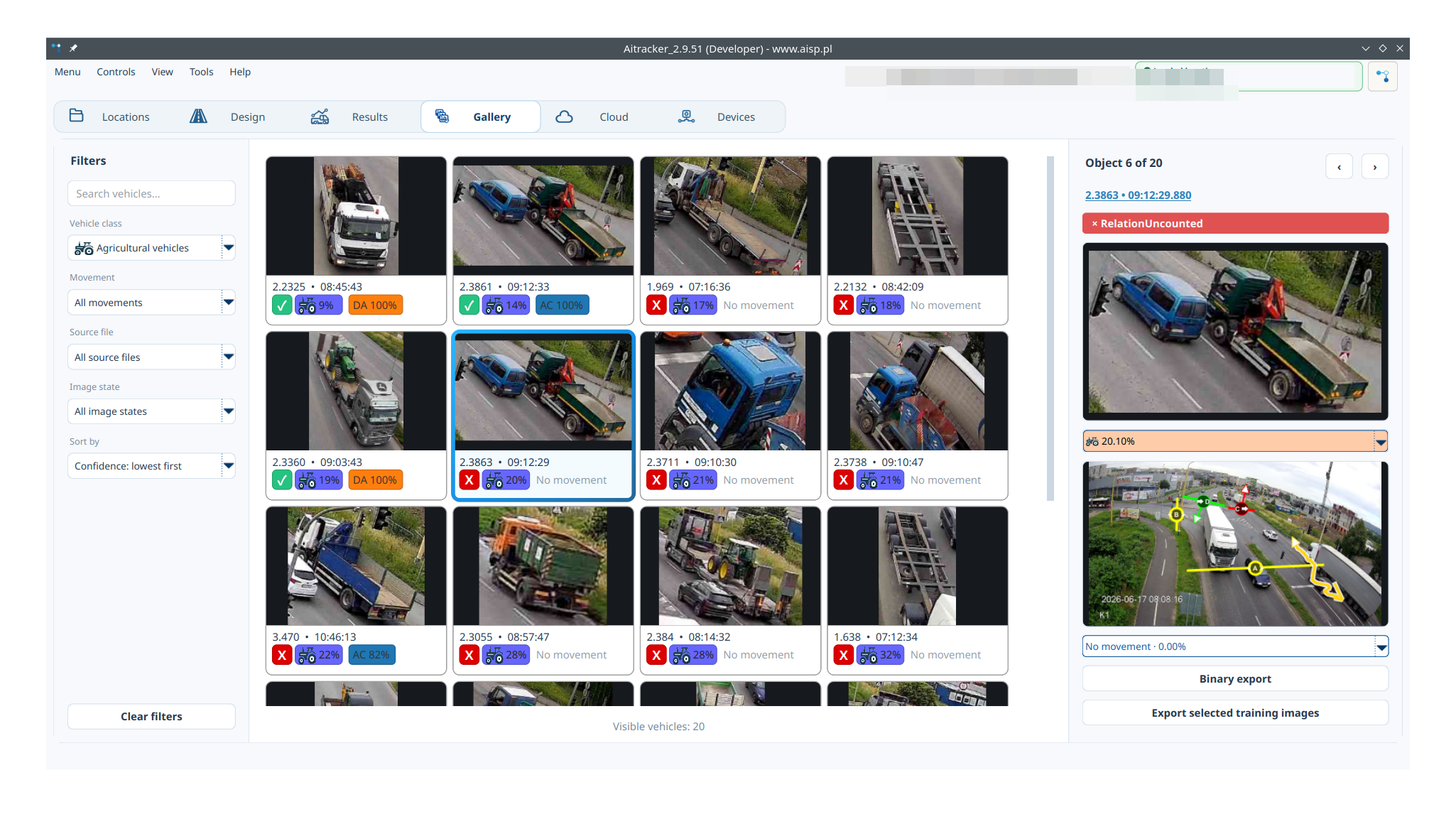
The gallery shows a thumbnail of each tracker and makes it easy to filter and verify results.
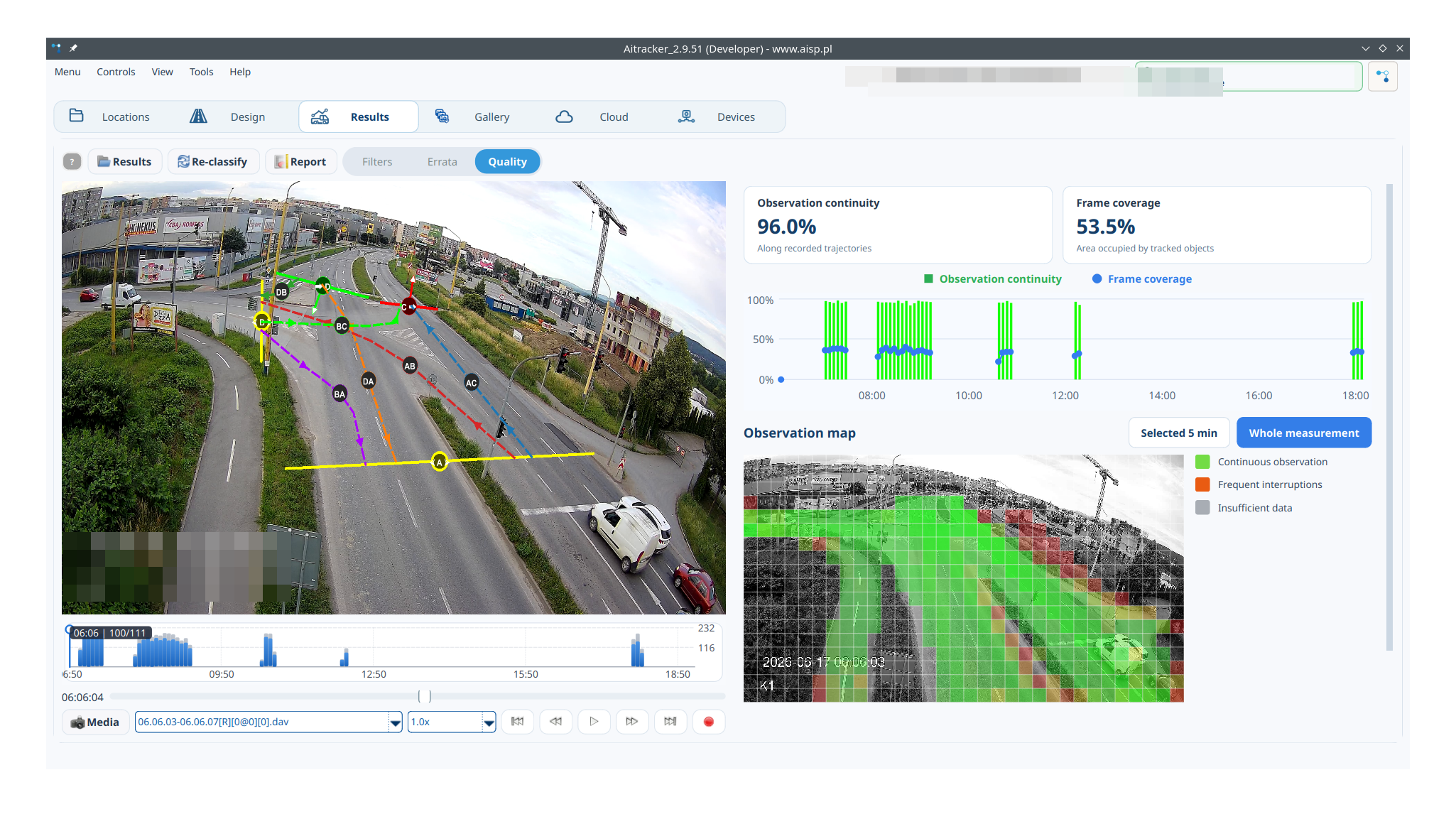
Quality indicates continuity of observations and where tracking needs to be checked.
The errata function built into AITracker allows you to manually modify the results. Change the classification, assigned relationship or mark the vehicle as invalid.
Human cooperation with AI to obtain the most accurate results!
Ready results
Download full sample output reports generated by AITracker. These are measurement reports, not algorithm accuracy benchmarks.
Daily profiles, generic structure, relationship tables and choropleth maps for peak hours.
Download a sample PDF report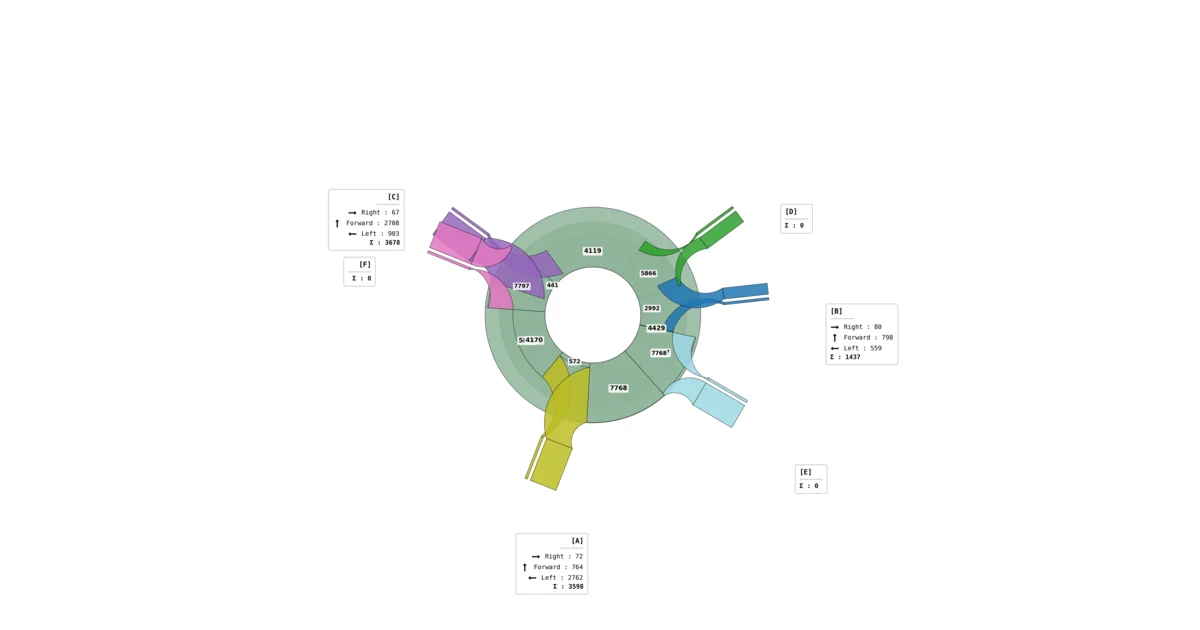
Results for inlets and relationships, category share, foot traffic and stream cartograms.
Download a sample PDF report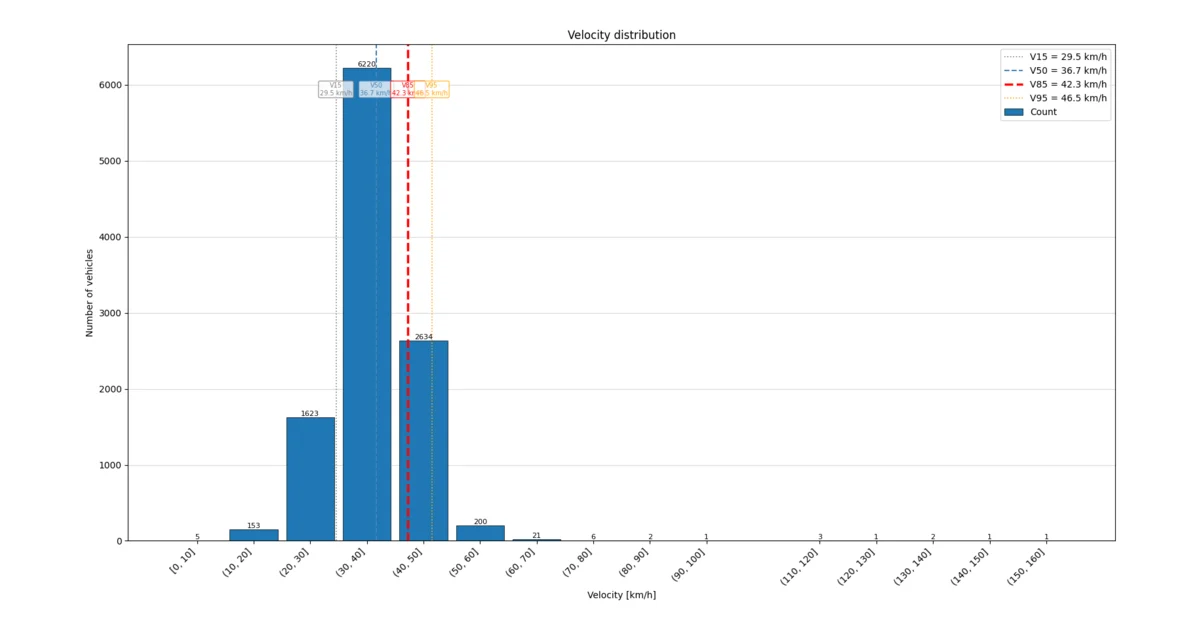
Counts, speed profiles, V15–V95 quantiles and threshold crossings.
Download a sample PDF reportAccuracy depends on the type of measurement and the source material. The results below compare the AITracker result with manually counted reference material.
AITracker support
Write to the support team. In your request, provide the AITracker version and briefly describe what is happening.